The clock is running on DYMO's Mac software.
-
Now
DYMO marks its older Mac software obsolete.
DYMO Label v8 carries DYMO's own note: "This software version is obsolete."
Source: DYMO -
macOS 27
Even DYMO Connect leans on Rosetta.
DYMO says its current Mac app relies on Rosetta on Apple Silicon Macs, which now has to be installed by hand.
Source: DYMO -
macOS 28 · 2027
Apple phases Rosetta out.
From macOS 28, Apple keeps Rosetta only for certain older games, and DYMO says its older drivers don't work on Apple Silicon without it.
Sources: Apple, DYMO
And DYMO Connect, the replacement, is clunky for everyday labels. Peel is built to fix that.
A label designer that feels like a Mac app.
Only what works in the current build is listed here.
-
Type right on the label
Drag things into place with guides, and undo anything.
-
Native for Apple Silicon
Built for Apple Silicon Macs. No Rosetta needed.
-
Barcodes included
Add barcodes to any label, at no extra cost.
-
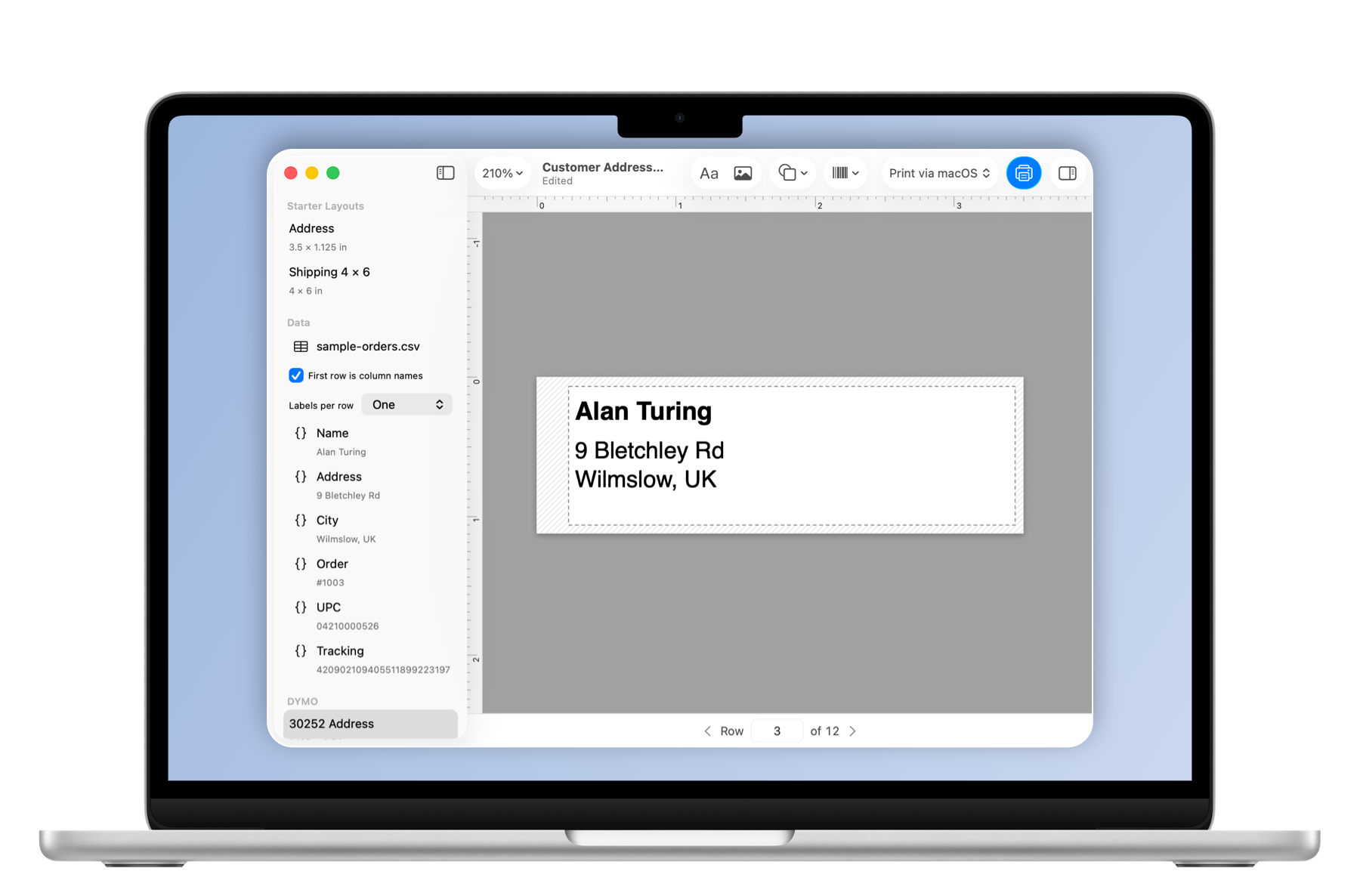
Labels from a spreadsheet
One label per row of a CSV, names and addresses filled in.
-
Dates and serial numbers
Today's date, or a number that counts up as you print.
Pay once. Barcodes included.
No subscription planned. Reserving costs nothing and tells me Peel is worth finishing.
"I'm testing printer by printer and won't claim support for a model until I've printed on it."
I'm Arslan, the solo developer behind Peel. Tell me which printer you have, and I'll know which ones to test first.
Get early access